By default, the submission method that is created by the Workflow Wizard is empty, so we need to add a little bit of code to tell the system what to do when the user clicks on the Submit button to initiate the workflows.
NOTE: This is part of the Developing a Product Approval Workflow in Dynamics AX 2012 blog series where we show how to develop a completely new workflow to manage the new product approval process. If you want to see all of the other posts in this series, click here.


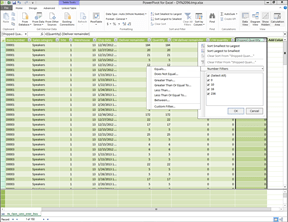 Within the PowerPivot Data Model editor, you can also filter the data that is returned to Excel through the filtering option.
 Extending Dynamics AX